

Currently, there are numerous platforms through which to access all kinds of content. In fact, the recent arrival of Netflix in Spain seems to have altered the status quo , also prompting a response from other portals such as Wuaki and YouTube . It is with the latter that we will be working today, as it remains, without a doubt, one of the most valuable resources for both listening to music and watching music videos on our mobile phones or tablets.
Apps like Spotify won't always deliver if we have a craving or if, for whatever reason, we need to listen to a specific song. However, with YouTube , we can access virtually any track instantly and for free through a simple search. The problem is that Google's video service requires the playback device's screen to be on, which consumes data that we could otherwise avoid.
Black Screen of Live, to the rescue
Yes. As many of you may have guessed, the name of this app is a subtle jab at Microsoft's Blue Screen of Death . In this case, it's quite fitting, since the black screen will actually extend your device's battery life.

The app is free , although you can pay to remove ads and support the developer. The interface, as you'll see, has a childish feel. In fact, to continue the joke about Microsoft, it's as if someone drew all its graphic elements with the typical Windows Paint program.
The importance of the proximity sensor
Few tablets integrate a proximity sensor these days, and most of those that do only include it because they have a phone function . However, developers are increasingly focusing on this feature to design new utilities, and therefore it would be beneficial if all tablets in the future began to incorporate this type of sensor.
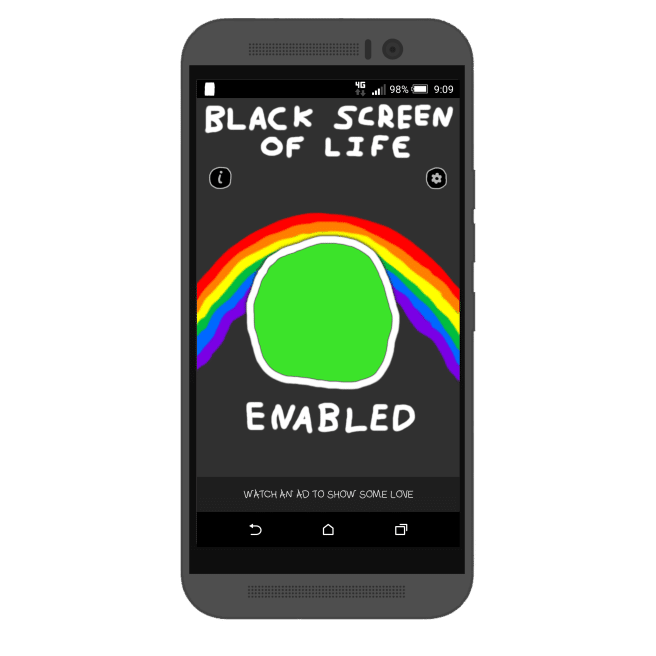
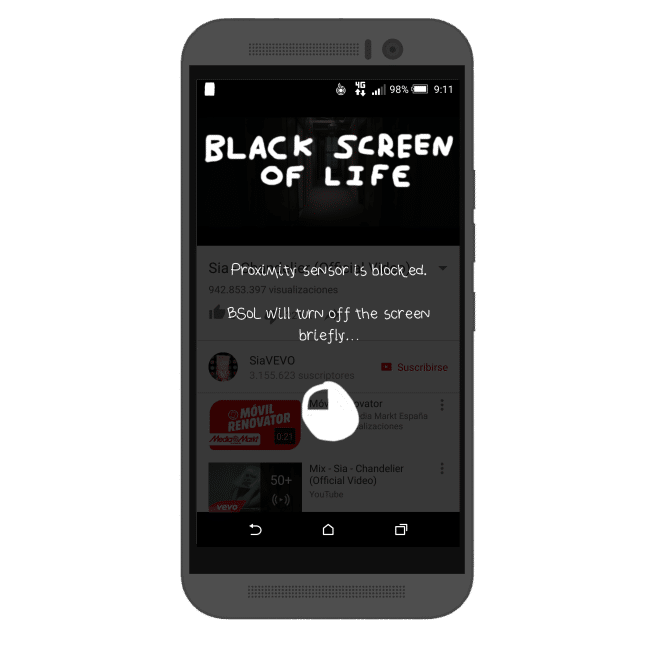
Once the app is downloaded and installed on your Android device , all you need to do is press the large button in the center, and it will turn green. Playing music from YouTube with the screen on is very simple from then on. Go to the video website, choose a song or start playing one of your playlists , and cover the proximity sensor (usually located at the top of the front panel) in some way. For example, you can turn the device upside down, put it in your pocket, or even cover it with a piece of paper or something similar.
Some other details that we can configure
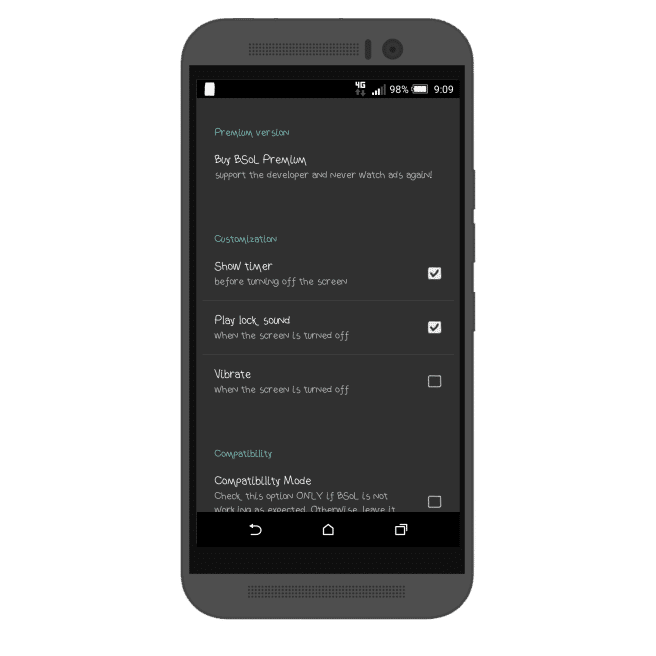
As we mentioned, it's a very basic service; however, there are a couple of aspects under our control: we can activate a countdown before the screen turns off completely, as well as a sound and vibration. If we encounter any issues with the app, there's also a solution that can resolve the problem. Simply enable compatibility mode if Black Screen of Life isn't working as expected on your Android device.
As you can imagine, the app can be used in many situations, not just with YouTube (in fact, it probably wasn't even designed for that). However, this feature might be one of the most useful we can find.
Table of Contents